Examples
The plugin ships with sample files in advBlendshapeTools/examples/ to let you test the main workflows without needing your own data.
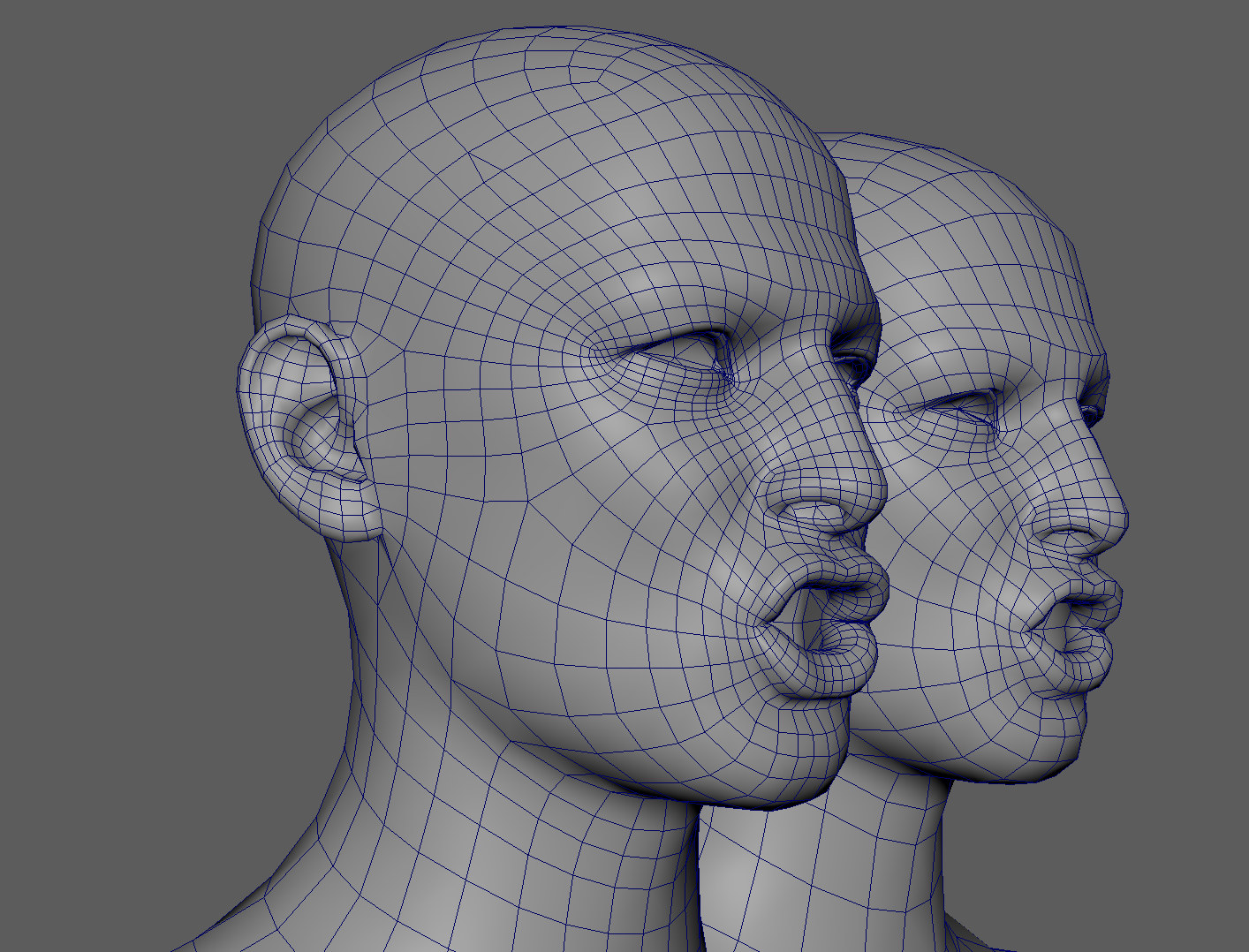
File |
Description |
|---|---|
|
Base mesh with matching topology to |
|
Pre-exported blendshape data for |
|
Lower-resolution mesh with similar UVs |
|
Pre-painted deformer mask and target paint weights for |
|
Named vertex sets ( |
Example 1: Import onto a matching mesh (Index)
base_mesh.obj and example.deltas share the same vertex count and order, making them ideal for exact methods.
Steps (UI)
File I/O tab → set Import Mesh to
base_meshand Import File toexample.deltasSet method to Index
Click Import Blendshape
Python example
import maya.cmds as cmds
from pathlib import Path
import advBlendshapeTools

EXAMPLES = Path(advBlendshapeTools.__file__).parent / 'examples'
cmds.file(str(EXAMPLES / 'base_mesh.obj'), i=True, type='OBJ')

cmds.loadPlugin('advBlendshapeTools', quiet=True)
from advBlendshapeTools.api.commands import find_or_create_blendshape
new_blendshape = cmds.advBlendshapeImport(
    blendshape=find_or_create_blendshape('base_mesh'),
    inputFile=str(EXAMPLES / 'example.deltas'),
    method='index',
)
cmds.viewFit()
Example 2: Transfer to a different-topology mesh (UV)
lod_mesh.obj has fewer vertices than base_mesh but shares the same UV layout, so UV-based interpolation produces clean results.
Steps (UI)
First complete Example 1 so a blendshape node exists on
base_meshTransfer tab → set Source Blendshape to the blendshape on
base_meshAdd
lod_meshto the target listSet method to UV
Click Transfer Blendshape
Python example
import maya.cmds as cmds
from pathlib import Path
import advBlendshapeTools

EXAMPLES = Path(advBlendshapeTools.__file__).parent / 'examples'
cmds.file(str(EXAMPLES / 'lod_mesh.obj'), i=True, type='OBJ')

# Assumes base_mesh already has base_mesh_blendShape from Example 1
cmds.loadPlugin('advBlendshapeTools', quiet=True)
from advBlendshapeTools.api.commands import find_or_create_blendshape
new_blendshapes = cmds.advBlendshapeTransfer(
    sourceBlendshape='base_mesh_blendShape',
    sourceMesh='base_mesh',
    targetMeshes=['lod_mesh'],
    targetBlendshapes=[find_or_create_blendshape('lod_mesh')],
    method='uv',
)
cmds.viewFit()
Connect the source blendshape weights to all transferred nodes:
from advBlendshapeTools.api.blendshape_node import connect_blendshape_targets, BlendShapeNode
source_node = BlendShapeNode('base_mesh_blendShape')
target_nodes = [BlendShapeNode(blendshape) for blendshape in new_blendshapes]
connect_blendshape_targets(source_node, target_nodes)
Example 3: Production pipeline (export → query → import → transfer)
Continues from Examples 1 and 2. Demonstrates a full pipeline process: export, query the file to pick the right import method, import onto the target, and transfer to target meshes.
import maya.cmds as cmds
from pathlib import Path
import advBlendshapeTools
from advBlendshapeTools.api.commands import DEFAULT_FILE_PATH

cmds.loadPlugin('advBlendshapeTools', quiet=True)

EXAMPLES = Path(advBlendshapeTools.__file__).parent / 'examples'

# -------------------------------------------------------------------
# 1. Export blendshape data from the source blendshape node to temp dir
# -------------------------------------------------------------------
cmds.advBlendshapeExport(
    blendshape='base_mesh_blendShape',
    outputFile=DEFAULT_FILE_PATH,
)

# -------------------------------------------------------------------
# 2. Query the exported file's vertex count and compare with the
#    intended import target to choose the appropriate import method.
#    advBlendshapeFile() returns the vertex count stored in the file.
# -------------------------------------------------------------------

# Create a new scene and import base mesh and transfer deltas to lod_mesh
cmds.file(new=True, force=True)
# Import example meshes
cmds.file(str(EXAMPLES / 'base_mesh.obj'), i=True, type='OBJ')
cmds.file(str(EXAMPLES / 'lod_mesh.obj'), i=True, type='OBJ')

# Query the vertex count in the file
file_vertex_count = cmds.advBlendshapeFile(
    DEFAULT_FILE_PATH,
    query=True,
    vertexCount=True,
)

target_mesh = 'base_mesh'
target_vertex_count = cmds.polyEvaluate(target_mesh, vertex=True)

if file_vertex_count == target_vertex_count:
    import_method = 'index'   # topology matches
else:
    import_method = 'uv'      # different topology

print(
    f'File verts: {file_vertex_count}  |  '
    f'Target verts: {target_vertex_count}  |  '
    f'Method: {import_method}'
)

# -------------------------------------------------------------------
# 3. Import onto the target mesh using the selected method
# -------------------------------------------------------------------

from advBlendshapeTools.api.commands import find_or_create_blendshape

imported_blendshape = cmds.advBlendshapeImport(
    blendshape=find_or_create_blendshape(target_mesh),
    inputFile=DEFAULT_FILE_PATH,
    method=import_method,
)

# -------------------------------------------------------------------
# 4. Transfer to LOD meshes (UV method handles topology differences)
# -------------------------------------------------------------------
lod_meshes = ['lod_mesh']

transferred = cmds.advBlendshapeTransfer(
    sourceBlendshape=imported_blendshape,
    sourceMesh=target_mesh,
    targetMeshes=lod_meshes,
    targetBlendshapes=[find_or_create_blendshape(m) for m in lod_meshes],
    method='uv',
)

# Wire all blendshape nodes to the base blendshape weights
from advBlendshapeTools.api.blendshape_node import connect_blendshape_targets, BlendShapeNode

source_node = BlendShapeNode(imported_blendshape)
lod_nodes = [BlendShapeNode(bs) for bs in transferred]
connect_blendshape_targets(source_node, lod_nodes)

print('Pipeline complete.')
print(f'Source blendshape : {imported_blendshape}')
print(f'LOD blendshapes   : {transferred}')
cmds.viewFit()
Example 4: Import and transfer blendshape weight maps (.bweights)
Continues from Examples 1 and 2. base_mesh_blendShape must exist in the scene and lod_mesh must carry a blendshape node from the Example 2 transfer.
example.bweights has a pre-painted deformer envelope mask (base weights) and one target’s paint weights.
import maya.cmds as cmds
from pathlib import Path
import advBlendshapeTools

cmds.loadPlugin('advBlendshapeTools', quiet=True)

EXAMPLES = Path(advBlendshapeTools.__file__).parent / 'examples'
WEIGHTS_FILE = str(EXAMPLES / 'example.bweights')
BS = 'base_mesh_blendShape'

# Inspect the shipped weight maps before importing
targets = cmds.advBWeightsFile(WEIGHTS_FILE, query=True, targets=True)
vtx_count = cmds.advBWeightsFile(WEIGHTS_FILE, query=True, vertexCount=True)
print(f'Targets in file : {targets}')
print(f'Source vtx count: {vtx_count}')

# Apply an envelope blendshape mask and target paint weights onto base_mesh_blendShape.
# Matching topology uses the index method.
cmds.advBWeightImport(
    mesh='base_mesh',
    inputFile=WEIGHTS_FILE,
    method='index',
)


# Transfer the same weight maps to the LOD mesh. UV remapping handles the differing topology.
cmds.advBWeightTransfer(
    sourceBlendshape=BS,
    targetMeshes=['lod_mesh'],
    method='uv',
)
cmds.viewFit()
⚠️ The
topologymethod matches vertices by object-space position. If a mesh is offset from the source, useuvinstead. UV remapping is independent of where the meshes sit.
Example 5: Import and remap component selections (.components)
example.components has three named component sets (eyes, mouth, and neck), captured on base_mesh. Named sets make production selections data-driven and remove the need to hard-code component indices in code.
⚠️ Component sets do not preserve their exact count when remapped across differing topology. The
uvandtopologymethods match each component to its nearest neighbor on the target, so where the target is denser or sparser than the source, overlapping regions resolve to more or fewer components than the original set.
import maya.cmds as cmds
from pathlib import Path
import advBlendshapeTools
from advBlendshapeTools.utils import component_tags

cmds.loadPlugin('advBlendshapeTools', quiet=True)

EXAMPLES = Path(advBlendshapeTools.__file__).parent / 'examples'
COMPONENTS_FILE = str(EXAMPLES / 'example.components')


# Discover the named sets in the file rather than assuming them
names = cmds.advComponentFile(COMPONENTS_FILE, query=True, names=True)
print(f'Sets in file    : {names}')   # ['eyes', 'mouth', 'neck']

# Restore every named set onto base_mesh (matching topology -> index method)
base_shape = cmds.listRelatives('base_mesh', shapes=True, noIntermediate=True)[0]
base_inj = component_tags.get_injection_node(base_shape, create=True)
for set_name in names:
    components = cmds.advComponentsImport(
        mesh='base_mesh',
        file=COMPONENTS_FILE,
        setName=set_name,
        method='index',
    )
    rel_comps = component_tags.to_relative_components(components)
    component_tags.write_tag(
        base_inj, set_name, rel_comps
    )
    print(f'{set_name}: {len(components)} components')

# Remap a single set onto the LOD mesh (different topology -> uv method) and
# store it as a componentTag there too.
lod_shape = cmds.listRelatives('lod_mesh', shapes=True, noIntermediate=True)[0]
lod_inj = component_tags.get_injection_node(lod_shape, create=True)
mouth_lod = cmds.advComponentsImport(
    mesh='lod_mesh',
    file=COMPONENTS_FILE,
    setName='mouth',
    method='uv',
)
rel_comps = component_tags.to_relative_components(mouth_lod)
component_tags.write_tag(
    lod_inj, 'mouth', rel_comps
)
cmds.select(mouth_lod, replace=True)
print(f'LOD mouth components: {mouth_lod}')
Example 6: Bake through a live wrap (advBlendshapeWrap)
Starts from a new scene. Instead of transferring deltas directly, this workflow live-binds lod_mesh to base_mesh with an advBlendshapeWrap deformer, then bakes the source blendShape’s targets through that live wrap into a new blendShape on a lod_mesh__custom duplicate. Since lod_mesh shares base_mesh’s UV layout, the uv method gives the cleanest correspondence.
Steps (UI)
Import
base_mesh.objandlod_mesh.objFile I/O tab → set Import Mesh to
base_meshand Import File toexample.deltas, method Index, click Import BlendshapeWrap Tool → Wrap Setup: assign Source Mesh to
base_meshand Target Mesh tolod_meshSet Method to UV, then click Create Wrap
Bake: set Source Blendshape to
base_mesh_blendShapeClick Bake It
Python example
import maya.cmds as cmds
from pathlib import Path
import advBlendshapeTools
from advBlendshapeTools.api.commands import find_or_create_blendshape, create_wrap, transfer_deltas

cmds.loadPlugin('advBlendshapeTools', quiet=True)

EXAMPLES = Path(advBlendshapeTools.__file__).parent / 'examples'

# Start clean and import both meshes
cmds.file(new=True, force=True)
cmds.file(str(EXAMPLES / 'base_mesh.obj'), i=True, type='OBJ')
cmds.file(str(EXAMPLES / 'lod_mesh.obj'), i=True, type='OBJ')

# Build the source blendShape on base_mesh from the shipped deltas (matching
# topology, so 'index' applies exactly as in Example 1)
base_blendshape = cmds.advBlendshapeImport(
    blendshape=find_or_create_blendshape('base_mesh'),
    inputFile=str(EXAMPLES / 'example.deltas'),
    method='index',
)

# Live-bind lod_mesh to base_mesh by UV correspondence
wrap_node = create_wrap(
    source_mesh='base_mesh',
    target_mesh='lod_mesh',
    method='uv',
    source_uv_set='map1',
    target_uv_set='map1',
)
print(f'Wrap deformer: {wrap_node}')

# Activate each base_mesh_blendShape target in turn, capture lod_mesh's live
# wrapped pose, and build lod_mesh__custom_blendShape from those snapshots.
baked = transfer_deltas(
    source_blendshape=base_blendshape,
    source_mesh='base_mesh',
    target_meshes=['lod_mesh'],
    method='custom',
)
print(f'Baked blendshape: {baked}')
cmds.viewFit()
⚠️
create_wrapdeletes any existingadvBlendshapeWrapnode intarget_mesh’s history before creating a new one, so re-running it rebuilds the deformer from scratch rather than stacking wraps.